
Pi Sat Track
Run the station
from a browser.
Runs on Windows, Mac, Linux or a Raspberry Pi, all used from a browser.
Browser-based amateur satellite tracker — live pass prediction, Doppler-corrected uplink/downlink, modular radio control, and optional rotator pointing — all from a web UI. Runs headless on a Pi (or Windows/Mac/Linux); use from any browser on the network.
- Windows · Mac · Linux · Pi
- 2D · 3D · radar
- Headless on a Pi
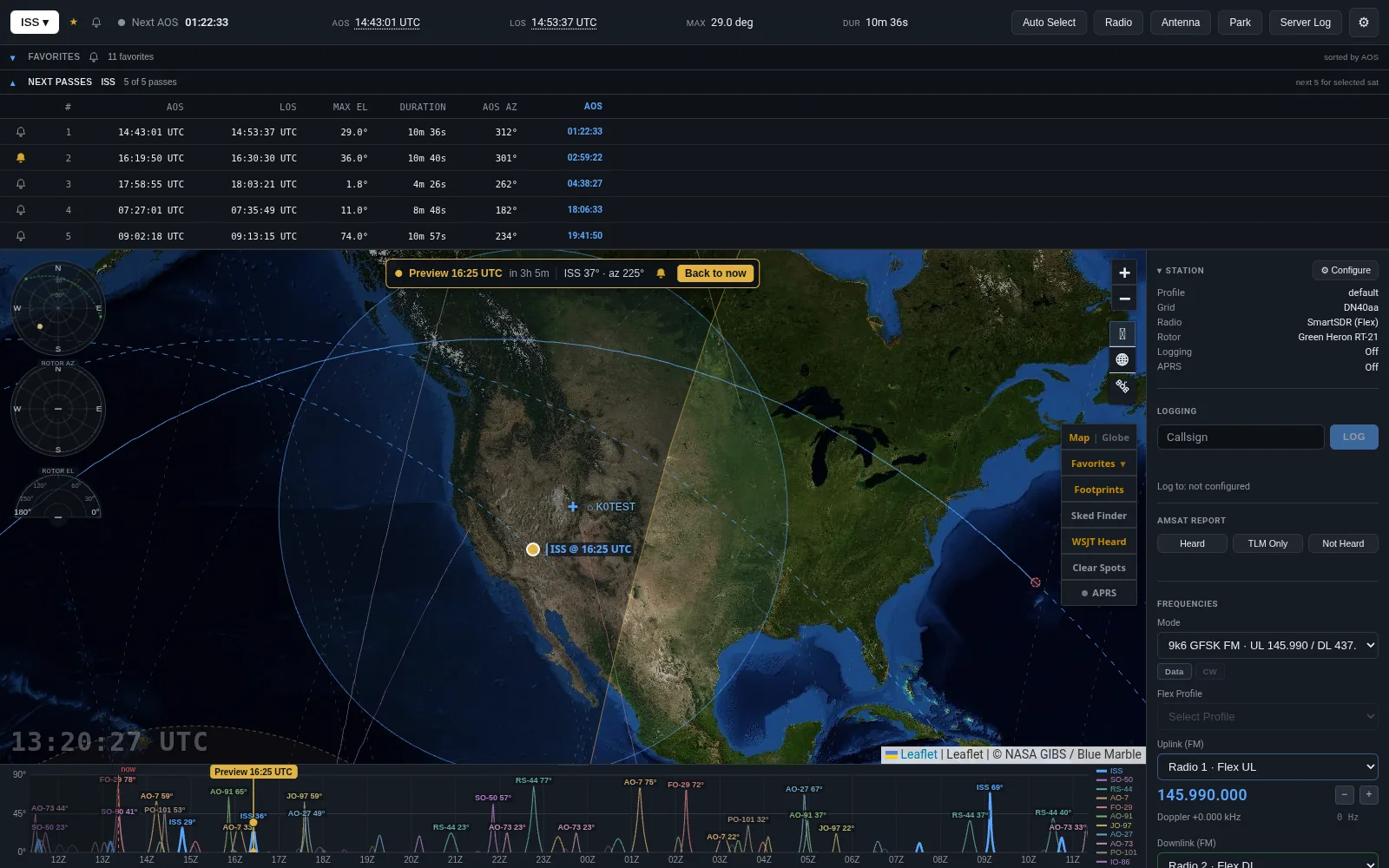
On a pass
What you do with it
Map, globe, logging, WSJT-X, APRS, and AMSAT are in the feature list.
- 01
Watch the pass
Live pass prediction in the web UI.
- 02
Work the radio
Doppler-corrected uplink and downlink, with modular radio control.
- 03
Point the antenna
Optional rotator pointing when a controller is connected.
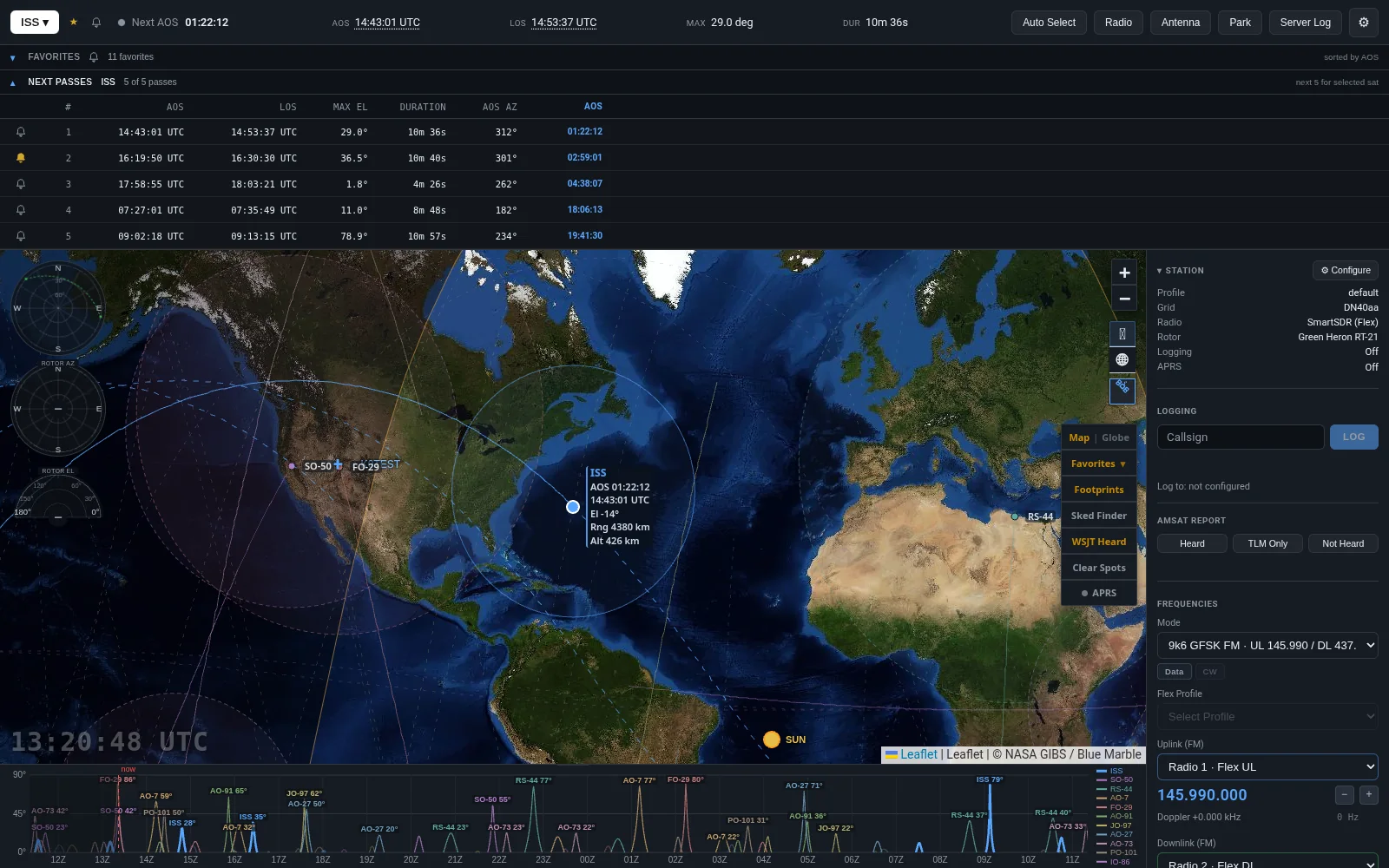
The screen
The station, in one window.
Live pass prediction, the map, and the radio, open in any browser on the network.
Computers
Pick a computer
macOS, Linux, and Raspberry Pi OS share one .run installer. Linux and Raspberry Pi OS runinstall-pi.sh and install a systemd user service named sat-tracker.